
I’ve been making YouTube content for over six years now, and if there’s one thing I’ve learned the hard way, it’s this: the creators who win aren’t the ones posting the most they’re the ones working the smartest. That’s exactly why AI YouTube tools have gone from nice to have to absolute necessity. But here’s the catch most of them are garbage. I’ve tested dozens. Some genuinely saved me 20+ hours a month. Others wasted my time and money. Let me break down what’s actually worth your attention right now.
Why AI YouTube Tools Exploded (And Why Most People Misuse Them)
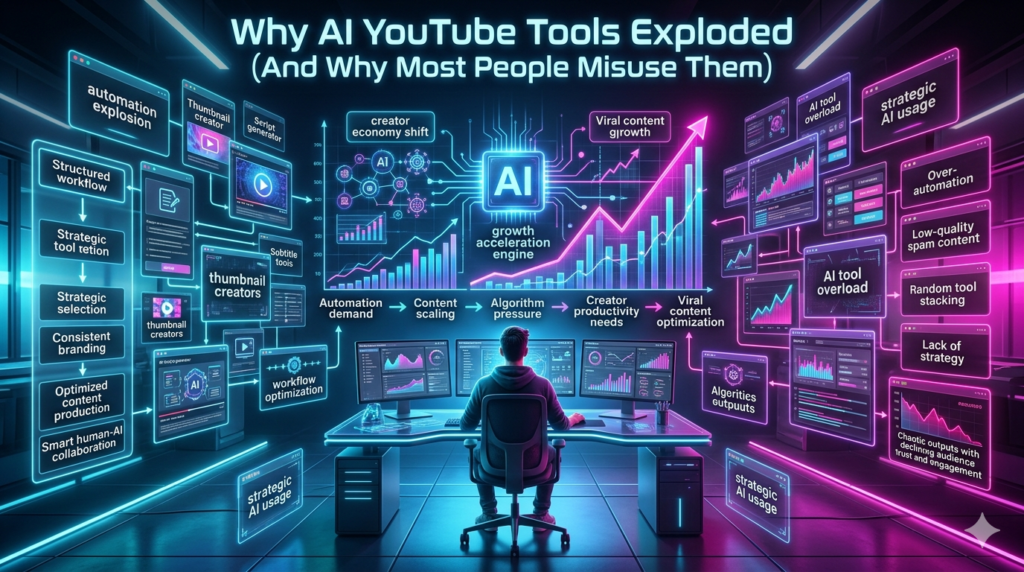
YouTube’s algorithm in 2026 rewards watch time, click-through rate, and audience retention more than ever. That means every second of your production pipeline matters from ideation to thumbnail to SEO. AI tools step into that pipeline at almost every stage. The problem? A lot of creators treat them like magic wands. You paste a prompt, get a video, upload it, and wonder why nobody watches.
The real winners use AI as a co-pilot, not an autopilot. Think of it like editing software Premiere Pro doesn’t make a bad editor good, but it makes a good editor unstoppable. Same principle here.
The Best AI YouTube Tools by Category (Based on Actual Use)
For Video Editing: Descript and CapCut AI
Descript changed my workflow completely. You upload your raw footage, it transcribes everything, and you edit the video by deleting text like a Google Doc for video. I cut a 45-minute podcast down to a 12-minute YouTube Short in under 20 minutes last week. CapCut’s AI features (auto captions, background removal, script-to-video) are free and shockingly good for Shorts creators. I know creators pulling 500K views on Shorts using nothing but CapCut’s AI templates.
For Thumbnails and Titles: TubeBuddy and VidIQ (AI Features)
Both platforms have had AI-powered title generators and thumbnail scorers for a while now, but their 2026 updates are genuinely different. Vida’s AI now analyzes your top performing videos and suggests title structures that match your audience’s click behavior not generic clickbait. Tube Buddy’s A/B testing with AI recommendations helped me bump my CTR from 4.2% to 7.8% on one channel. That’s not a small jump. That’s thousands more views per video.
For Scriptwriting and Ideation: ChatGPT, Claude, and Opus Clip
Look, I use ChatGPT daily for outline generation and hook writing. But Claude has been better for long form scripts because it holds context better I feed it my last ten videos and ask for topic gaps, and it spots patterns I miss. Opus Clip is the one I’m most excited about right now. You drop in a long video, and it auto identifies the most viral-worthy clips, adds captions, reframes for vertical, and scores each clip’s virality potential. I turned one 30 minute video into 11 Shorts in an afternoon. Three of them hit over 100K.
For Voice and Avatars: Eleven Labs and Hey Gen
If you’re faceless or multilingual, these are game changers. Eleven Labs clones your voice so your AI narrated videos sound like you not a robot. Hey Gen creates AI avatars that lip sync perfectly. I know a finance channel doing 100% AI narrated content in six languages, pulling 2M+ monthly views. Is it as good as a real person on camera? Not always. But for scale, it’s unbeatable.
The Honest Limitations Nobody Talks About
Here’s where I get real. AI YouTube tools have serious blind spots.
First, audience trust erodes fast if people sense AI content. I tested a fully AI-generated video on my secondary channel views tanked, comments called it out. YouTube’s algorithm also seems to deprioritize content it flags as low-effort AI, especially if retention drops in the first 30 seconds.
Second, copyright and originality remain messy. AI-generated scripts can accidentally mirror existing creators. I’ve seen channels get strikes because their AI tool pulled phrasing from a copyrighted source. Always run outputs through originality checkers.
Third, the cost adds up. Descript is $24/month. VidIQ Pro is $10. ElevenLabs starts at $5. Opus Clip is $9. That’s $48/month before you pay for stock footage or music. For new creators, that’s real money.
My Recommended Stack for Different Budgets
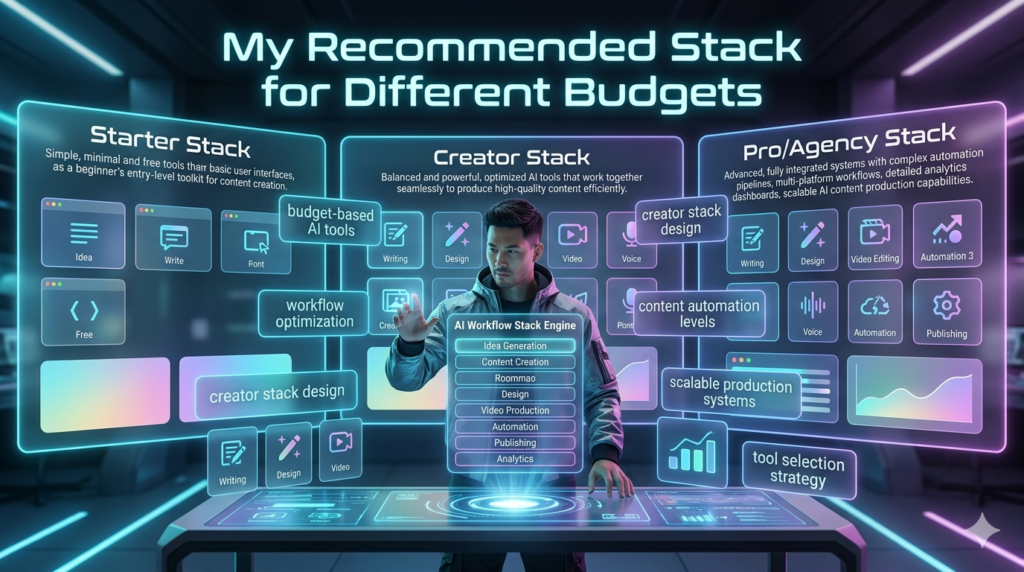
- $0 budget: CapCut + ChatGPT free + Canva AI thumbnails
- $30/month: Descript + Vida Basic + Eleven Labs free tier
- $60/month: Full Descript + Vida Pro + Opus Clip + Eleven Labs Starter
Start small. Add tools only when you hit a specific bottleneck. I made the mistake of subscribing to everything at once ended up overwhelmed and producing less.
The Bottom Line
AI YouTube tools aren’t replacing creators. They’re replacing creators who refuse to adapt. The ones thriving right now whether they have 500 subscribers or 5 million are using AI to do the boring stuff faster so they can spend more time on the stuff that actually matters: storytelling, personality, and connecting with real humans. Use the tools. But don’t let the tools use you.
FAQs
Q: Are AI YouTube tools worth it for beginners?
A: Yes, but start free. CapCut and ChatGPT alone can save you hours. Paid tools make more sense once you’re posting consistently.
Q: Will YouTube penalize AI-generated content?
A: Not directly, but low quality AI content gets low retention, which the algorithm punishes. Quality still wins.
Q: What’s the single best AI tool for YouTube right now?
A: Opus Clip for repurposing long content into Shorts. The ROI is insane.
Q: Can AI tools help with YouTube SEO?
A: Absolutely. Vida and Tube Buddy’s AI features analyze search demand and suggest keywords that actually rank.
Q: Do faceless channels using AI perform as well as personal brands?
A: Some do especially in education, finance, and listicles. But personal brands still build deeper loyalty and monetize better long-term.