
Let me be honest with you I spent the better part of three years resisting AI photo editors. As someone who’s been editing photos professionally since the early Photoshop days, the idea of letting a machine “fix” my work felt like cheating. Then I tried Luminar Neo, played with Adobe’s Generative Fill, and spent a weekend testing Remini on old family photos.
My opinion shifted fast. Here’s what I’ve learned after months of real world testing, and what you should actually know before jumping in.
What Exactly Is an AI Photo Editor?
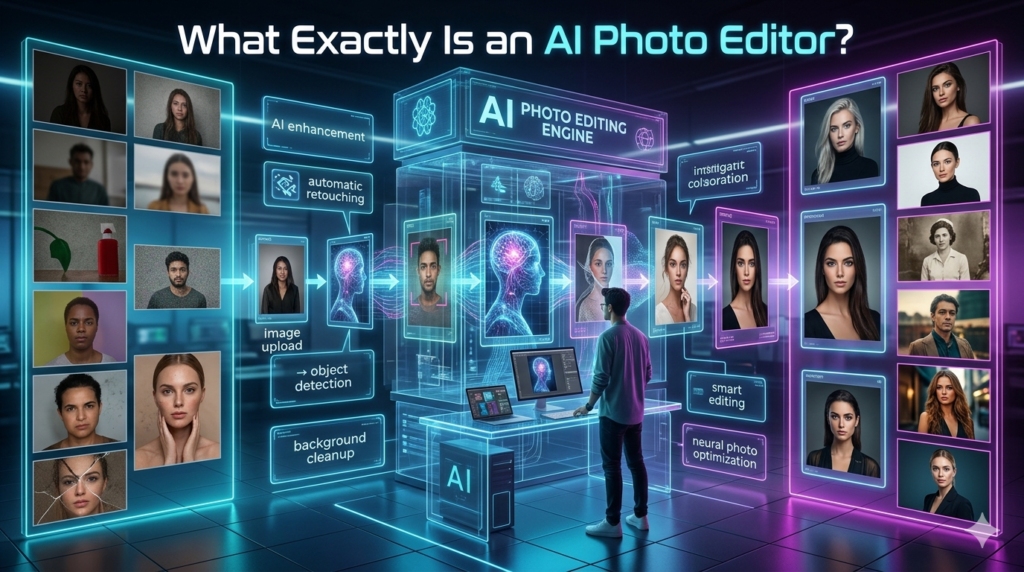
At its core, an AI photo editor uses machine learning models to understand what’s in your image faces, skies, backgrounds, lighting and then makes edits based on that understanding. Unlike traditional editors where you manually adjust sliders or use the clone stamp tool, AI editors can do things like remove a stranger from a group photo with a single click, enhance a blurry portrait into something sharp, or replace a dull sky with a dramatic sunset.
Think of it this way: traditional editing is like doing surgery with your hands. AI editing is like having a brilliant assistant who’s already studied ten thousand surgeries and can handle the routine stuff while you focus on the creative decisions.
The Tools Worth Your Time in 2025–2026
Not all AI photo editors are created equal. After testing over a dozen, here’s what actually holds up:
Adobe Photoshop (with Firefly integration): This is the gold standard if you’re serious. Generative Fill lets you select an area, type what you want, and it blends seamlessly. I used it to extend a cropped landscape shot and honestly couldn’t tell where the original ended. The ethical guardrails Adobe built in (trained only on licensed content) also matter if you care about that.
Luminar Neo: Best for photographers who want speed without learning curves. Its AI Sky replacement and portrait retouching are genuinely impressive. I processed a batch of 200 wedding photos in under an hour that would’ve taken me two full days manually.
Remini: The go-to for restoring old or low-quality photos. I scanned a 1990s family portrait at 300 DPI, ran it through Remini, and my mom cried when she saw the result. That’s not hyperbole. The face enhancement is almost uncanny.
Canva’s AI tools: Perfect for non-designers who need quick edits for social media. Not as powerful as Photoshop, but the Magic Edit feature is surprisingly capable for casual use.
Where AI Photo Editors Genuinely Shine
The real value shows up in three areas:
Time savings: A task like skin retouching that used to take 15 minutes per portrait now takes 30 seconds. For commercial photographers shooting high volume, this is a game changer.
Accessibility: My cousin, who has zero design experience, used Luminar to make her real estate listings look professional. She didn’t need to learn layers or masks. That democratization is real and meaningful.
Restoration work; Old family photos, damaged negatives, low light shots from cheap phones AI handles these scenarios better than any manual technique I’ve ever used.
The Honest Limitations (Nobody Talks About These)
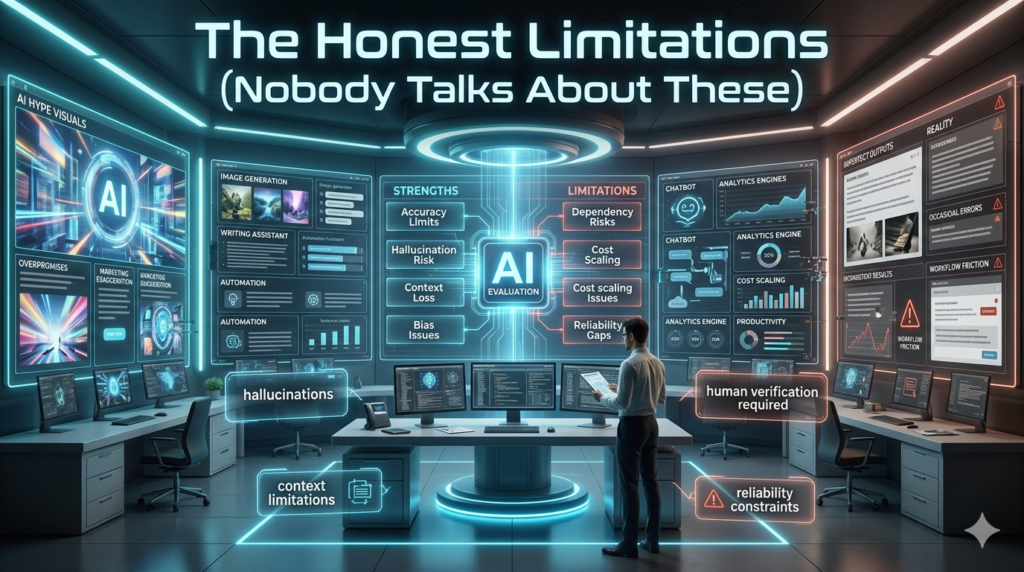
Here’s where I get critical. AI photo editors are not magic. They hallucinate. I’ve seen Generative Fill add a sixth finger to a hand, create weird shadows that don’t match the light source, and generate backgrounds that look almost right but feel off in a way you can’t quite articulate. There’s also the ethical minefield. When you use AI to remove someone from a photo, are you altering reality? When you enhance a face beyond recognition, is it still that person? I’ve seen influencers use AI editors to completely reshape their features and present it as just lighting adjustments.
That bothers me, and it should bother you too. And let’s talk about the skill gap. Junior editors who skip learning fundamentals because AI handles everything are going to hit a wall fast. AI can’t replace creative judgment. It can’t tell you why a photo feels flat only that it does.
Who Should Actually Use an AI Photo Editor?
If you’re a professional photographer shooting weddings, events, or e-commerce yes, absolutely. The ROI is undeniable. If you’re a hobbyist posting on Instagram tools like Remini and Canva will make your feed look significantly better with minimal effort. If you’re a beginner trying to learn photography use AI as a supplement, not a substitute. Learn exposure, composition, and color theory first. Then let AI handle the tedious parts.
The Bottom Line
AI photo editors aren’t replacing human editors. They’re replacing tedious tasks. The best results I’ve ever gotten came from combining AI speed with human taste letting the machine handle the grunt work while I made the final creative calls.
The technology is still maturing. It’s impressive today, but it’ll be even better in a year. The photographers and creators who learn to work with these tools, rather than against them, are the ones who’ll thrive.
FAQs
Q: Is AI photo editing the same as Photoshop?
A: No. AI editors automate specific tasks using machine learning. Photoshop is a full manual suite. Many AI tools now integrate into Photoshop rather than replacing it.
Q: Can AI photo editors replace a professional retoucher?
A: For routine tasks like skin smoothing or background removal, yes. For high end commercial work requiring precise creative control, not yet.
Q: Are AI-edited photos detectable?
A: Sometimes. Forensic tools can spot AI artifacts, especially around edges, text, and hands. Quality varies by tool.
Q: Is it ethical to use AI photo editors?
A: It depends on context. Enhancing your own photos is fine. Altering someone else’s image without consent or misrepresenting reality crosses a line.
Q: What’s the best free AI photo editor?
A: Canva and Remini’s free tier are solid starting points. For more power, Luminar Neo offers a free trial, and GIMP with AI plugins is completely free.