
I remember the first time I typed a prompt into an AI image generator and watched something appear on screen that genuinely stunned me. It was late 2022, and the result was a surreal landscape with floating islands and neon waterfalls. Was it perfect? No. The edges were muddy, and there was a strange artifact that looked like a melted clock in the corner.
But it felt like witnessing a creative earthquake. Since then, I’ve spent hundreds of hours testing, comparing, and pushing these tools to their limits for client work, personal projects, and honest curiosity. Here’s what I’ve learned.
What Exactly Is an AI Image Generator?
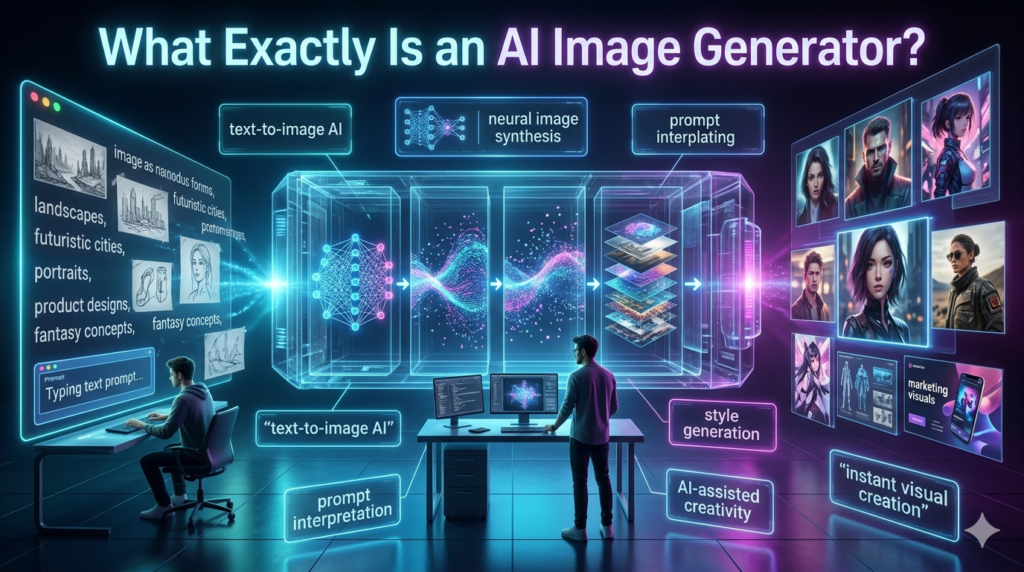
At its core, an AI image generator is software that creates images from text descriptions. You type something like a golden retriever wearing sunglasses on a beach at sunset, and the system produces a visual interpretation. Behind the scenes, these tools rely on deep learning models trained on massive datasets of images and their associated descriptions.
They learn patterns, styles, color relationships, and compositional rules then remix that knowledge into something new. The most well-known platforms right now include Midjourney, DALL-E 3 (integrated into ChatGPT), Adobe Firefly, Stable Diffusion, and Leonardo AI. Each has its own personality, strengths, and blind spots.
How These Tools Have Changed in Just Two Years
The progress has been staggering. Early outputs from 2022 were fascinating but deeply flawed. Hands had seven fingers. Text was gibberish. Faces occasionally looked like they belonged in a horror film. Fast forward to 2025, and the best AI image generators produce photorealistic portraits, detailed architectural renderings, and illustrations that genuinely compete with professional work. Mid journey’s latest versions, for instance, handle lighting and texture with remarkable sophistication. DALL-E 3 has gotten substantially better at following complex prompts and rendering readable text within images.
But let’s be honest they’re still not flawless. Complex scenes with multiple interacting characters can produce awkward compositions. Specific brand logos or highly technical diagrams remain problematic. And there’s a persistent issue with consistency: getting the same character to look identical across multiple generated images is still tricky without specialized workflows.
Practical Uses I’ve Actually Seen Work
Here’s where things get interesting. Beyond the novelty factor, AI image generators have carved out real, practical niches:
Content creation and blogging. Small publishers and independent bloggers who can’t afford stock photography subscriptions or custom illustrations use these tools daily. A well-crafted prompt can produce a unique header image in under a minute.
Product mockups and prototyping. I’ve watched a friend who runs a small apparel brand use Midjourney to visualize t-shirt designs before sending anything to print. It saved her weeks and significant money.
Concept art and brainstorming. Game developers and filmmakers use AI-generated images as starting points mood boards, environment concepts, character explorations. It doesn’t replace their artists. It accelerates the ideation phase.
Marketing and social media. Brands experimenting with eye catching social content have found AI-generated visuals drive engagement, particularly when the aesthetic is intentionally stylized or surreal.
Education and presentations. Teachers creating custom visuals for lesson plans, or professionals building pitch decks with tailored imagery rather than generic stock photos.
Choosing the Right AI Image Generator
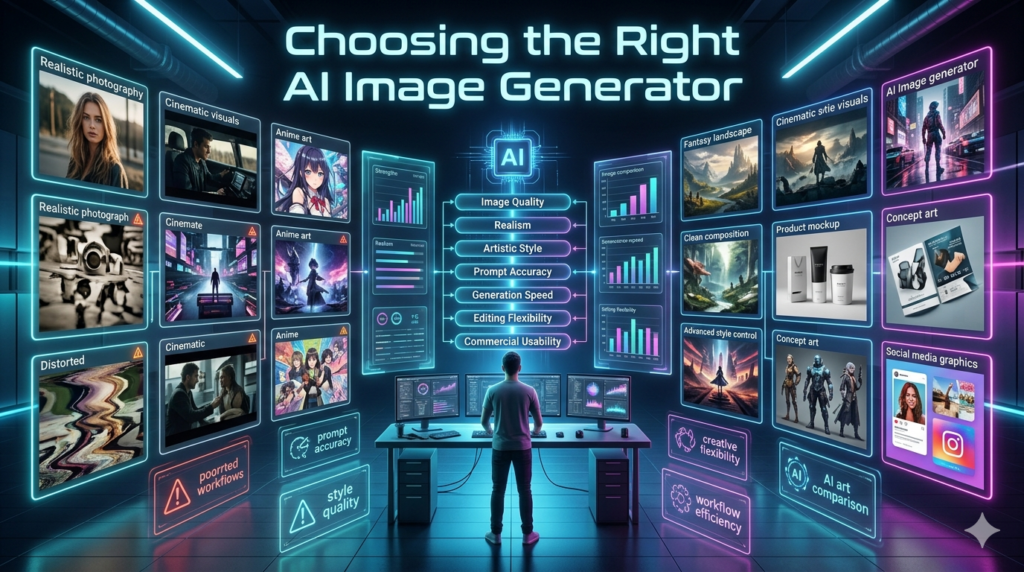
Not all tools are created equal, and the best one depends entirely on what you need.
Midjourney remains the king of aesthetics. Its default output has a cinematic, polished quality that’s hard to match. The learning curve is moderate since it operates through Discord, which throws some people off.
DALL-E 3 wins on accessibility and prompt comprehension. It understands nuanced, conversational descriptions better than most competitors. If you’re already using ChatGPT, it’s seamlessly integrated.
Adobe Firefly is the safest choice for commercial use. Adobe trained it on licensed and public domain content, which means fewer legal gray areas. It integrates directly into Photoshop and Illustrator, making it powerful for professional designers.
Stable Diffusion is the open-source option. It’s free, endlessly customizable, and runs locally on your hardware. But it demands technical knowledge installing models, adjusting parameters, understanding samplers. It’s not for casual users.
Leonardo AI has quietly become a favorite among game developers and digital artists for its fine tuned control over style and its model training capabilities.
The Elephant in the Room: Ethics and Copyright
I can’t write about AI image generators without addressing this. These tools were trained on billions of images scraped from the internet, many created by artists who never consented to that use. Lawsuits are ongoing. Artists are justifiably frustrated. My personal take? The technology itself is remarkable, but the industry needs clearer ethical frameworks. Adobe’s approach training on licensed data points in the right direction. If you’re using AI-generated images commercially, do your homework. Understand the terms of service.
Don’t pass off AI art as hand-crafted human work without disclosure. Respect the creative community that made these tools possible in the first place. Copyright law is still catching up. In the U.S., purely AI-generated images currently can’t be copyrighted, though images with sufficient human creative input may qualify. This is evolving, so stay informed.
Tips for Getting Better Results
After generating thousands of images, here’s what I’ve found actually matters:
Be specific in your prompts. “A woman standing in a field” produces something generic. “A woman in a red linen dress standing in a wildflower meadow during golden hour, shot on 35mm film” gives the model something to work with.
Reference artistic styles. Mentioning specific aesthetics watercolor, film noir, Studio Ghibli, brutalist architecture dramatically shapes the output.
Iterate relentlessly. Your first result is rarely your best. Regenerate, tweak the prompt, adjust parameters. The magic often lives in the third or fourth variation.
Where This Is All Heading
The trajectory is clear: AI image generators will become faster, more controllable, and more deeply embedded in creative software. Real-time generation, video integration, and 3D model creation are already emerging. Within a couple of years, generating a fully consistent visual world from text descriptions won’t seem remarkable it’ll be routine.
That said, these tools amplify human creativity. They don’t replace it. The people getting the most value from AI image generators are those who bring strong creative vision, clear intent, and genuine taste to the process. The prompt box is just a starting line.
FAQs
Q: What is the best free AI image generator?
A: Stable Diffusion is the most powerful free option, though it requires technical setup. For easier access, Leonardo AI and Bing Image Creator (powered by DALL-E) offer free tiers.
Q: Can I use AI-generated images commercially?
A: It depends on the platform. Mid journey and Adobe Firefly allow commercial use under their paid plans. Always check the specific terms of service.
Q: Are AI-generated images copyrightable?
A: In the U.S., purely AI-generated images generally cannot be copyrighted. Images with significant human modification or creative direction may qualify, but the legal landscape is still developing.
Q: Do AI image generators steal from artists?
A: Many models were trained on publicly available images without explicit artist consent, which has sparked legal and ethical debates. Some platforms like Adobe Firefly use only licensed training data.
Q: How do I write better prompts for AI image generators?
A: Be descriptive and specific. Include details about lighting, style, mood, camera angle, and artistic references. Experiment and iterate prompt writing is a skill that improves with practice.
Q: Will AI image generators replace graphic designers?
A: Unlikely. These tools change the workflow but don’t eliminate the need for creative judgment, brand strategy, and nuanced design thinking that human professionals provide.