
An AI avatar creator is one of those tools that feels simple on the surface: upload a photo, type a description, choose a style, and get a polished digital version of yourself. But behind that easy workflow is a fast growing mix of computer vision, generative design, voice synthesis, animation, and identity technology. Today, AI avatars are used for profile pictures, brand mascots, training videos, online courses, gaming, social media, customer support, and even internal company communication. Some people use them to look more professional on LinkedIn.
Others use them to create fantasy style characters, talking video presenters, or multilingual spokespersons without hiring a studio. The appeal is obvious. A good avatar creator can save time, reduce production costs, and help people show up online in a more consistent, creative way. Still, it also raises important questions about privacy, consent, authenticity, and how far we should go in replacing real human presence with synthetic likenesses.
What Is an AI Avatar Creator?
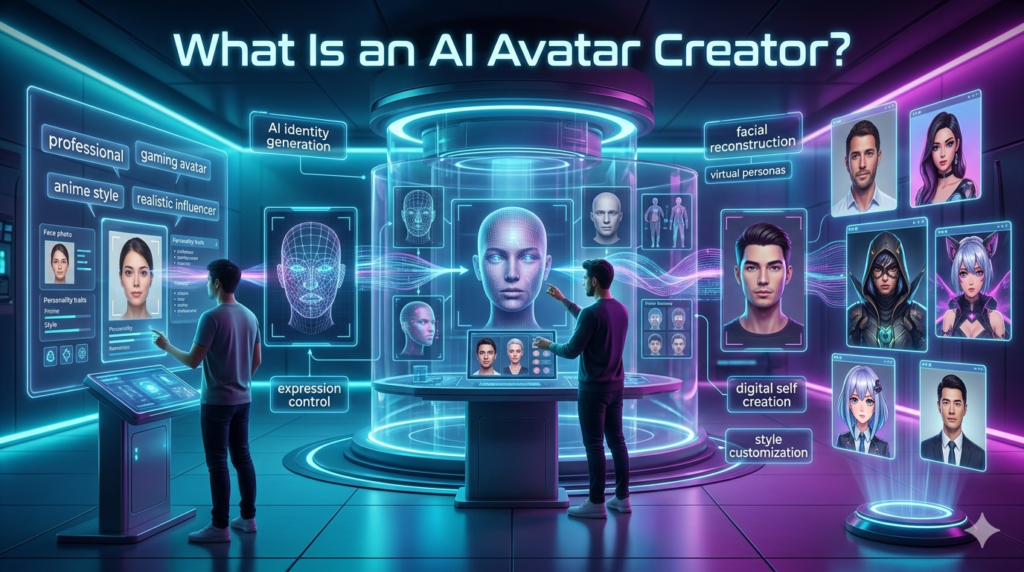
An AI avatar creator is a digital platform that uses artificial intelligence to generate a visual representation of a person, character, or brand identity. Depending on the tool, the avatar may be:
- A realistic headshot
- A cartoon or anime style character
- A 3D gaming avatar
- A talking video presenter
- A virtual spokesperson for training or marketing
- A branded mascot for a website or app
The simplest AI avatar generators create still images from uploaded selfies or written descriptions. More advanced platforms can animate facial expressions, sync mouth movements to speech, translate videos into other languages, or create full-body digital humans.
For example, a freelance consultant might use an AI avatar creator to generate clean, professional profile images for a website and social channels. A small business could create a friendly virtual assistant for explainer videos. A teacher might build a digital presenter to introduce online lessons in a more engaging way.
How AI Avatar Creators Work
Most AI avatar creators rely on machine learning models trained to understand faces, body shapes, lighting, style, and expression. The exact process varies, but the basic workflow usually looks like this:
- Input: You upload photos, choose a template, or type a text description.
- Analysis: The system detects facial structure, skin tone, hairstyle, expression, and other visual features.
- Generation: The model creates new avatar images or video frames based on the input.
- Customization: You adjust style, clothing, background, pose, or voice.
- Export: The finished avatar is downloaded as an image, GIF, video, or interactive asset.
Some platforms focus heavily on realism. Others lean into stylized looks, such as watercolor portraits, cyberpunk characters, fantasy avatars, or professional studio headshots. The best choice depends on the purpose. A corporate training video needs a different kind of avatar than a gaming profile or a TikTok character.
Popular Uses for AI Avatars
1. Professional Profile Photos
One of the most common uses of an AI avatar creator is generating business-style headshots. Instead of booking a photographer, users can create multiple polished images with different outfits, backgrounds, and lighting. This can be useful for remote workers, job seekers, founders, and consultants who need a professional online presence.
However, the image should still look like the real person. If an avatar changes someone’s age, facial features, or body shape too dramatically, it can create a trust gap when people meet them in person or on video calls.
2. Social Media and Personal Branding
Creators use AI avatars to build a recognizable visual identity across platforms. A consistent avatar can make a YouTube channel, newsletter, podcast, or Instagram page feel more memorable.
For example, a finance educator may use a clean illustrated avatar across thumbnails and posts. A gaming streamer may choose a neon 3D character. A wellness coach might prefer a soft, natural-looking digital portrait. In each case, the avatar becomes part of the brand language.
3. Training and Educational Videos
AI video avatars are increasingly used in e learning. Instead of recording a person on camera every time a lesson changes, companies can create a digital presenter and update the script as needed. This is especially practical for compliance training, onboarding, product tutorials, and multilingual education.
If a policy changes, the team can revise the text and regenerate the video rather than scheduling another shoot. Still, there is a balance to strike. Learners often respond better when the avatar feels warm and natural, not stiff or overly polished. A synthetic presenter should support the learning experience, not distract from it.
4. Marketing and Customer Communication
Brands use AI avatars as virtual hosts, explainer video narrators, chat interfaces, or product guides. A friendly digital representative can help simplify complex services, especially in industries like software, insurance, healthcare, and finance.
That said, transparency matters. If customers are interacting with an avatar rather than a real person, they should not be misled. Clear labeling builds trust and avoids the uncomfortable feeling that a company is trying to disguise automation as human interaction.
5. Gaming, VR, and Virtual Worlds
In gaming and virtual reality, avatars are not just profile pictures. They are identity tools. Players want characters that reflect their personality, style, imagination, or community role.
AI avatar generators can speed up character creation by suggesting outfits, faces, accessories, and fantasy features. Instead of spending hours adjusting sliders, users can describe the look they want and refine the result.
How to Choose the Best AI Avatar Creator
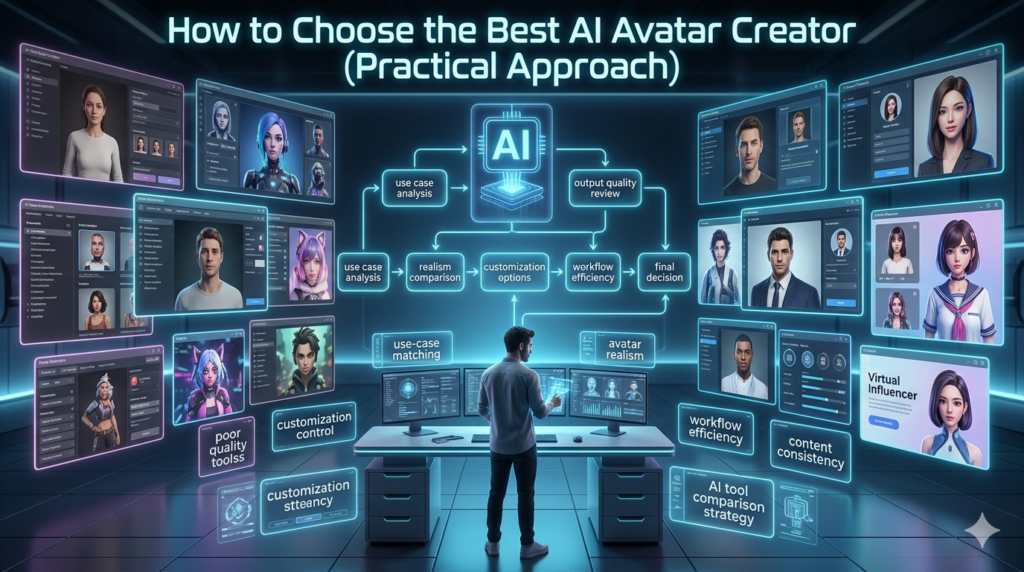
Not every AI avatar creator is built for the same audience. Before choosing one, consider these practical factors.
Image Quality and Realism
Look closely at skin texture, eyes, hands, hairlines, and facial symmetry. Poor avatar generators often produce strange artifacts: uneven glasses, melted earrings, unnatural teeth, or overly smooth skin. If realism matters, test the tool with a small batch before committing.
Customization Options
A strong platform should let you control style, background, clothing, pose, expression, and sometimes camera angle. For business use, brand colors and consistent templates are helpful.
Privacy and Data Handling
This is one of the most important considerations. An AI avatar creator may require you to upload face images, voice recordings, or personal likeness data. Read the privacy policy. Check whether your data can be used for model training, how long it is stored, and whether you can delete it.
For companies, this becomes even more serious. Employees should give informed consent before their likeness is turned into a digital avatar. No one should feel pressured to create a synthetic version of themselves for workplace use.
Commercial Rights
If you plan to use an avatar in ads, merchandise, videos, courses, or client work, confirm the licensing terms. Some services allow personal use only. Others include commercial rights in paid plans. This small detail can prevent legal headaches later.
Voice and Video Features
If you need a talking avatar, check lip-sync accuracy, supported languages, voice options, and video export quality. A realistic face with poor mouth movement can feel awkward quickly.
Benefits of Using an AI Avatar Creator
The biggest advantage is efficiency. Traditional photo shoots and video production require planning, equipment, lighting, editing, and scheduling. AI avatars can shorten that process dramatically. They also make creative experimentation easier. You can test different looks, create seasonal brand visuals, localize video content, or maintain visual consistency without starting from scratch every time.
For small teams and independent creators, this can be a real advantage. A solo founder can create onboarding videos. A coach can refresh course content. A nonprofit can produce simple explainers without a large media budget.
Limitations and Ethical Concerns
AI avatars are powerful, but they are not perfect. Realism can be inconsistent, especially with complex hairstyles, diverse facial features, hands, accessories, or unusual lighting. Some tools may also reflect bias if their training data is less accurate for certain skin tones, ages, or cultural appearances. There is also the issue of consent. Creating an avatar of someone without permission is unethical and may be illegal, especially if used commercially or misleadingly.
The same applies to cloning a person’s voice or making a public figure appear to say something they never said. Authenticity matters too. An AI-generated headshot may be acceptable if it is a fair representation. But using an avatar to create a false identity, fake testimonial, or deceptive spokesperson crosses a line.
The Future of AI Avatars
AI avatar creators are moving beyond static images. The next wave is more interactive: real-time avatars that can speak, respond, translate, and appear in virtual meetings or immersive environments. For businesses, this may mean scalable training, 24/7 support, and faster content production.
For individuals, it may mean more control over digital identity. But the future will depend on trust. The most successful uses will likely be those that are transparent, consent-based, and genuinely useful rather than gimmicky.
Final Thoughts
An AI avatar creator can be a practical and creative tool when used thoughtfully. It can help people build a stronger online presence, produce content faster, and explore digital identity in new ways. But it should not be treated as a shortcut around honesty, consent, or quality.
The best avatar is not just the most realistic one. It is the one that fits the purpose, respects the person behind it, and communicates clearly with the audience.
FAQs
Q: What is an AI avatar creator?
A: An AI avatar creator is a tool that uses artificial intelligence to generate digital versions of people, characters, or brand representatives.
Q: Can I use an AI avatar for business?
A: Yes, but check commercial usage rights and make sure the avatar does not mislead customers or violate anyone’s likeness rights.
Q: Are AI-generated avatars safe?
A: They can be safe if you use trusted platforms, review privacy policies, and avoid uploading sensitive personal data unnecessarily.
Q: Can an AI avatar look exactly like me?
A: Some tools can create a close likeness, but results vary. Realistic avatars may still have small differences or visual flaws.
Q: Is it legal to create an avatar of another person?
A: Only if you have permission, especially for commercial, public, or promotional use.
Q: What is the best AI avatar creator?
A: The best option depends on your goal. Some are better for professional headshots, while others specialize in video avatars, gaming characters, or branded content.