
I’ve spent the better part of two years with my fingers on the keyboard, not just prompting AI, but wrestling with it. It started with the ChatGPT gold rush. We all felt it: this sudden, dizzying access to a tool that could draft emails, brainstorm blog titles, and explain quantum mechanics in the style of a pirate. But as the novelty settled, the practical reality set in. My workflow required more than a one size fits all chatbot. I needed specific strengths raw factual grounding, coding prowess, data analysis, or simply a different “voice” for creative tasks.
That journey down the rabbit hole of ChatGPT alternatives wasn’t just about finding another interface. It was about discovering a burgeoning ecosystem of specialized, powerful, and philosophically different Large Language Models (LLMs). If you’re feeling the limits of a single tool or are simply curious about the broader landscape, let me walk you through what I’ve learned. This isn’t a simple ranking; it’s a map of the territory, drawn from hands on trials and errors.
The Three Giants: Understanding the Foundation
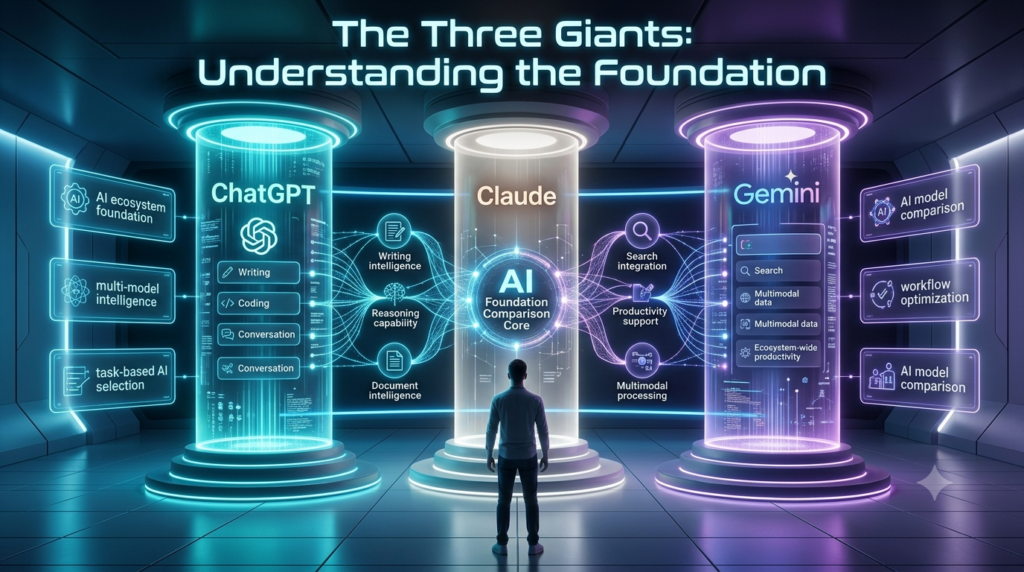
Most conversations start here. These are the models powering the most well known alternatives, and understanding their DNA is key.
1. Google Gemini: Formerly Bard, this is the powerhouse integrated into the vast Google ecosystem. My experience with Gemini is that it feels less like a standalone writer and more like a supremely capable research assistant. Its greatest strength is multimodality and real-time integration. I can hand it a link to a research paper, a YouTube video, and a spreadsheet, and it will synthesize information from all three. For tasks requiring current events, deep factual analysis, or interfacing with Google Workspace, it’s formidable. Its writing can sometimes feel a touch more formal than ChatGPT’s, but its fact-checking and citation capabilities are improving rapidly.
2. Anthropic Claude: If ChatGPT is the extroverted generalist, Claude is the thoughtful, cautious scholar. Its core design prioritizes safety and honesty. In my tests, Claude is often more reluctant to make definitive claims on ambiguous topics and will more frequently say, “I’m not certain, but…” which, in a professional context, is actually a feature, not a bug. It excels at processing extremely long documents think entire books or codebases and provides nuanced, well-structured analysis. For legal document review, academic literature analysis, or writing that requires a consistently careful tone, Claude is a top contender.
3. Meta Llama (via Open-Source): This isn’t a product, but a paradigm. Meta’s decision to release its powerful Llama models openly has been a seismic event. As a practitioner, this means I can run highly capable models on my own hardware, ensuring complete data privacy. The trade off? It requires technical know how to set up (using frameworks like Ollama or Hugging Face). The benefit is absolute control. For sensitive internal data, proprietary code, or experiments you don’t want touching third-party servers, the open source path, led by models like Llama 3, is revolutionary.
Beyond the Chat Window: Specialized Tools for Specific Jobs
This is where the real workflow magic happens. These alternatives aren’t just generic chatbots; they are specialized instruments.
For the Developer: GitHub Copilot & Cursor
If you code, you’ve likely tried Copilot. It’s not just autocomplete; it’s a context-aware pair programmer. My experience is that it shines most on boilerplate code, standard algorithms, and writing comments/documentation. It’s woven directly into VS Code, making it frictionless. Cursor takes this further, building an entire IDE around the AI, allowing for whole file edits and complex refactoring based on natural language instructions. These tools demonstrate how AI is evolving from a writer to a co creator within specialized domains.
For the Writer and Researcher: Perplexity AI & Notion AI
Perplexity has become my daily driver for research. It’s a answer engine, not a chatbot. Every response comes with inline, numbered citations linking to its sources. I can ask a complex question and get a synthesized, trustworthy paragraph with one click to verify each claim. It dramatically reduces the hallucination anxiety I sometimes feel with other models. Notion AI, on the other hand, is about seamless integration. It lives inside my notes, databases, and project docs, helping to summarize meeting notes, draft project briefs, or brainstorm ideas based on the context already in my workspace.
For the Creative: Sudo write & Jasper
When I need to move beyond outlines into actual prose, especially for fiction or marketing, Sudo write is fascinating. It’s trained specifically for novel writing, offering features like Write, which continues your story in your established style, and Describe, which builds sensory details. It feels like a creative partner. Jasper is more marketing-focused, with templates for ads, social media posts, and blog content that are fine-tuned for conversion and brand voice, requiring you to teach it your guidelines upfront.
The Ethical and Practical Realities: A Balanced View
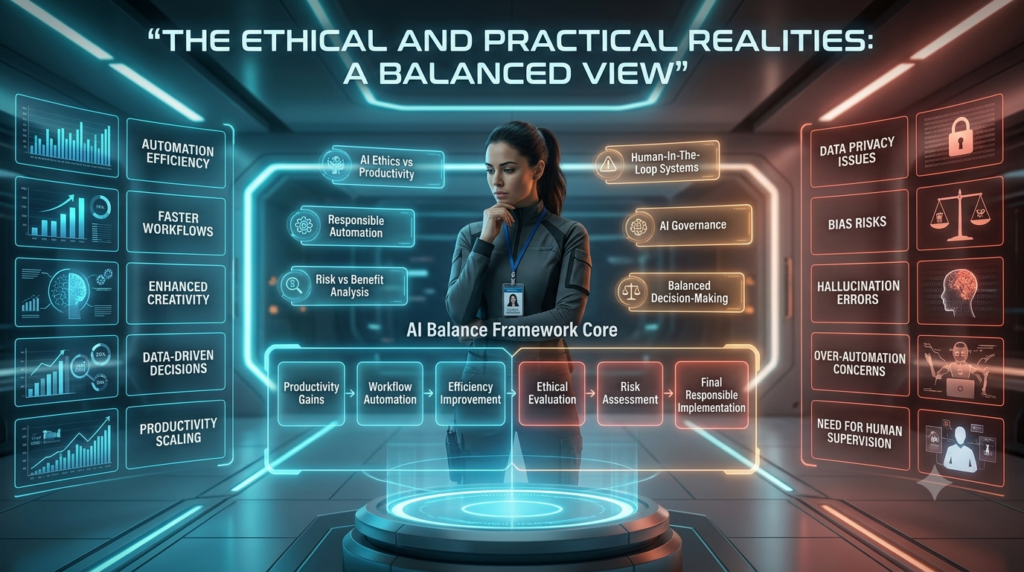
No honest guide would ignore the caveats. Here’s what I’ve learned the hard way:
- No Tool is Perfect: Every model has a personality and blind spots. Claude might refuse a prompt another would answer; Gemini might cite a source that’s less relevant than what Perplexity would find. The expert’s skill is in knowing which tool to pick for which job.
- Data Privacy is Paramount: This is the biggest limitation. Sending sensitive client data, internal strategy documents, or proprietary code to a third-party API (like OpenAI’s or Google’s) is a serious risk for many professionals. This is where local models via open-source Llama or on-premise solutions from companies like Cohere or Mistral AI become non-negotiable for enterprise use.
- The “Generated” Watermark: As these tools become ubiquitous, the ability to generate text is less valuable than the ability to curate, verify, and enhance it. The human expertise lies in knowing what to ask, how to fact-check the output, and how to weave AI-generated drafts into a authentic, insightful whole.
Final Thoughts: Choosing Your Co-Pilot
The era of a single, monolithic AI overlord is ending. We’re entering an age of specialization. My advice is to think like a carpenter building a toolbox.
- For general research and long documents, start with Perplexity or Claude.
- For coding and development, embed GitHub Copilot into your workflow.
- For creative writing projects, explore the focused assistance of Sudowrite.
- For corporate data and privacy, investigate Llama or Mistral’s enterprise offerings.
- For multimodal tasks involving video and deep Google integration, Gemini is increasingly compelling.
Experiment. Run the same prompt through three different platforms. See which style, which fact-checking, and which workflow integration feels right for your mind and your mission. The best ChatGPT alternative isn’t the one with the biggest benchmark score; it’s the one that fits, seamlessly, into the complex, nuanced, and deeply human work you do every day.
FAQs
Q: Are ChatGPT alternatives really free?
A: It varies. Many offer free tiers with limitations (like slower speeds, fewer features, or usage caps). Access to the most powerful models and features typically requires a subscription (e.g., ChatGPT Plus, Claude Pro, Gemini Advanced). Open-source models are free to download but require your own computing power to run.
Q: Which alternative is best for avoiding “hallucinations” or factual errors?
A: For citation-backed answers, Perplexity AI is currently a leader. For a model that tends to be more cautious and less likely to fabricate, Anthropic’s Claude is often noted for its conservative approach.
Q: Can I use these alternatives for my business/commercial work?
A: Yes, but you must review the Terms of Service for each platform. Most paid tiers allow commercial use, but it’s crucial to understand data privacy policies, especially if handling sensitive information. For maximum control, consider self-hosted open-source models.
Q: I’m not technical. Which alternative is easiest to start with?
A: If you like ChatGPT, Google Gemini will feel very familiar and is deeply integrated if you use Gmail, Docs, etc. Perplexity is also extremely user-friendly and provides a clear upgrade in research reliability.