
I’ve spent the better part of two years testing every major AI video generator on the market from the early days of clunky Runway clips to what we’re seeing in late 2026. And honestly? The gap between what these tools promise and what they deliver has narrowed dramatically. But there’s still a lot of noise out there, so let me break down what actually matters.
What Exactly Is an AI Video Generator?
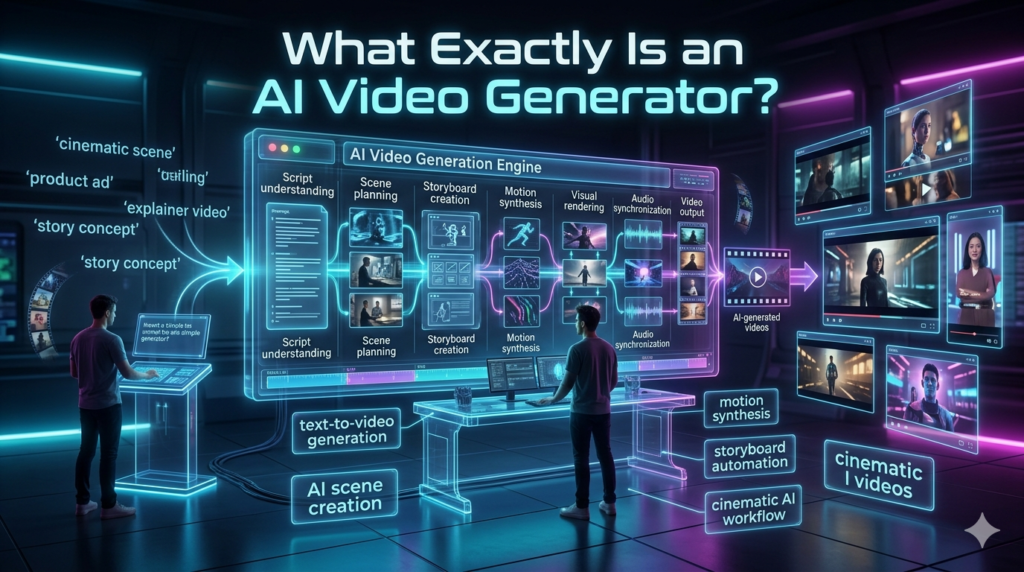
At its core, an AI video generator takes text prompts, images, or even existing video clips and turns them into short video sequences. Think of it as the video equivalent of ChatGPT, but instead of paragraphs, you get moving images sometimes stunning ones.
The technology behind this relies heavily on diffusion models and transformer architectures, similar to what powers image generators like Mid journey. But video is exponentially harder. You’re not just creating one frame you’re creating dozens of frames per second that need to stay coherent, move naturally, and not turn your subject into a melting wax figure.
The Heavy Hitters You Should Know About
Sora (Open AI) grabbed all the headlines when it launched, and for good reason. The quality is genuinely impressive realistic lighting, natural motion, even basic physics that makes sense. But access has been limited, and pricing hasn’t been fully transparent yet. It’s the wait and see player.
Runway (Gen-3 Alpha) is the one I keep coming back to for actual work. It’s been iterating fast, and the text-to-video output is production-ready for social media content, concept visualization, and even some marketing material. I used it last month to generate a 15-second product demo for a client, and they didn’t realize it wasn’t filmed until I told them.
Kling AI from Kuai shoo deserves a shoutout. This Chinese-developed tool produces some of the longest coherent clips up to two minutes in some cases. The motion quality rivals Sora, and it’s actually accessible right now. If you’re looking for something beyond the US-centric options, this is your pick.
Pika has carved out a niche with its stylized, animated look. It’s not trying to be photorealistic instead, it nails that Pixar meets anime aesthetic that performs incredibly well on TikTok and Instagram Reels.
Luma Dream Machine surprised me. Free tier is generous, and the quality to effort ratio is hard to beat for quick experiments.
Where AI Video Generators Actually Shine
Let’s be real these tools aren’t replacing Hollywood. Yet. But they’re already replacing certain workflows:
- Social media content creation: A small business owner in Austin I know uses Runway to generate B-roll for her Instagram. She used to pay a videographer $500/month. Now she spends $15 on a subscription and makes everything herself.
- Storyboarding and pre-visualization: Film studios are using these tools to mock up scenes before committing to expensive shoots. That alone saves thousands.
- E-learning and explainer videos: Instead of hiring an animator for a simple 30-second explainer, teams are generating rough cuts and refining them manually.
- Personalized marketing: Imagine generating 50 versions of the same ad, each tailored to a different demographic. That’s not science fiction anymore.
The Honest Limitations
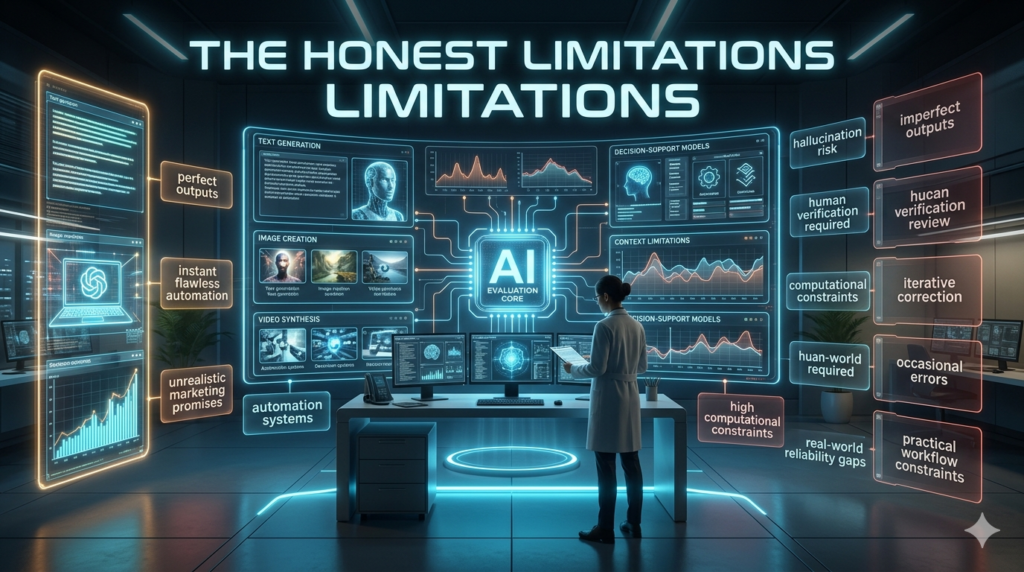
Here’s where I need to be straight with you. AI video generators still struggle with:
Hands and fingers. Seriously. Watch any generated video closely and you’ll spot the extra digit or the weirdly bent thumb. It’s getting better, but it’s not fixed.
Consistent characters. If you need the same person to appear across multiple scenes with identical features, you’re still doing a lot of manual tweaking. Tools like Runway’s character reference feature help, but it’s not seamless.
Long-form coherence. Anything over 30 seconds tends to drift. The AI forgets what happened in the first half. For now, short clips stitched together work better than one long generation.
Ethical concerns are real. Deepfake potential is enormous. I’ve seen AI-generated videos of public figures saying things they never said, and the technology to do this is available to anyone with a laptop. The industry is scrambling with watermarking and detection tools, but we’re behind the curve.
What Should You Actually Use?
If you’re a content creator on a budget: Runway or Pika. Best balance of quality and accessibility.
If you want the most realistic output: Sora (when fully available) or Kling AI.
If you’re experimenting for free: Luma Dream Machine.
If you’re a professional filmmaker: Use these for pre viz, not final delivery at least not yet.
The Bottom Line
AI video generators have crossed the wow, that’s cool threshold and entered the okay, this is actually useful phase. The tools are improving monthly, prices are dropping, and the creative possibilities are genuinely exciting. But they’re assistants, not replacements at least for now. The creators who will win aren’t the ones who blindly trust the AI. They’re the ones who learn to direct it.
FAQs
Q: Can AI video generators replace real video production?
A: Not yet. They’re great for drafts, social content, and concept work, but professional production still needs human direction.
Q: Which AI video generator is free?
A: Luma Dream Machine offers a generous free tier. Pika also has limited free generations daily.
Q: Are AI-generated videos safe to use commercially?
A: Most platforms grant commercial rights on paid plans, but always check the specific terms. Copyright law around AI content is still evolving.
Q: How long can AI videos be right now?
A: Most tools generate 4–10 second clips. Kling and newer models push toward 1–2 minutes, but quality degrades over time.
Q: What’s the biggest risk of using AI video generators?
A: Misinformation and deep fakes. Always watermark and disclose AI-generated content when possible.