
I’ve spent the better part of two years testing every AI productivity tool that crosses my desk. From writing assistants to meeting summarizers, project planners to email drafters the landscape has shifted dramatically, and honestly, most of what’s out there is either genuinely useful or complete noise. Let me cut through the clutter.
The Real Shift: From Novelty to Necessity
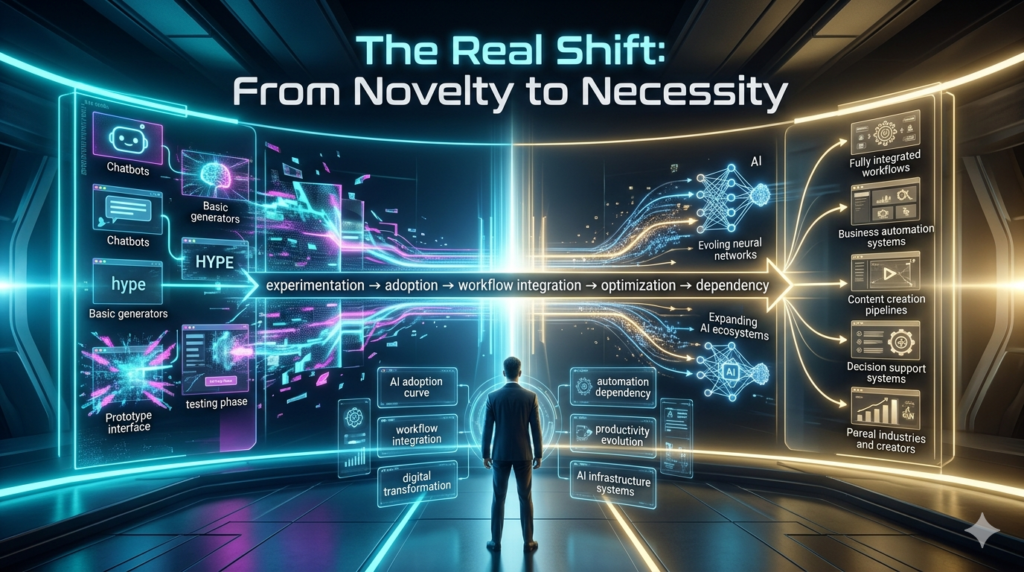
A year ago, AI tools felt like a party trick. You’d paste a paragraph into ChatGPT, get a decent rewrite, and move on. Today? These tools are embedded into how actual work gets done. According to a 2025 McKinsey report, roughly 72% of organizations have adopted at least one AI-powered productivity tool up from under 50% just eighteen months prior.
That’s not a trend. That’s a transformation. But here’s what nobody in the marketing copy tells you: not every tool earns its place in your workflow. Some save you hours. Others waste them.
The Tools I Actually Use Daily
Notion AI has become my go to for drafting and organizing. It lives right inside my workspace, so I’m not tabbing between apps. I use it to summarize long documents, generate action items from meeting notes, and even brainstorm outlines. It’s not perfect it still hallucinates facts if you’re not careful but for rough drafts and structuring thoughts, it’s hard to beat.
Otter.ai changed how I handle meetings. It transcribes in real time, pulls out key decisions, and sends a summary to everyone afterward. I used to spend 20 minutes after every call rewriting notes. Now I spend zero. The accuracy isn’t 100%, especially with accents or technical jargon, but it catches about 90% of what matters.
Grammarly’s AI features go way beyond spellcheck now. The tone detector, sentence rewrites, and clarity suggestions have genuinely made my emails sharper. I’ve noticed fewer back-and-forth replies since I started using it which, if you think about it, is the real productivity win.
Reclaim.ai is one most people haven’t heard of, but it’s quietly brilliant. It automatically schedules your tasks around your calendar, protecting focus time and finding gaps you’d never spot manually. I reclaimed roughly five hours a week just by letting it handle my time blocking.
Where the Hype Falls Short
Let’s be honest. Tools like Jasper and Copy.ai promised to replace content writers. They haven’t. They’re decent for generating first drafts or social media captions, but the output still needs heavy human editing. I’ve seen teams waste more time fixing AI-generated content than they would have just writing it themselves.
And Zapier’s AI integrations? Powerful, yes but the learning curve is steep. If you’re not already comfortable with automation workflows, you’ll spend more time figuring it out than actually saving time.
The pattern I keep seeing: AI tools amplify what you already do well. They don’t fix bad processes. If your workflow is messy, AI just makes messier output faster.
The Ethical Side Nobody Talks About
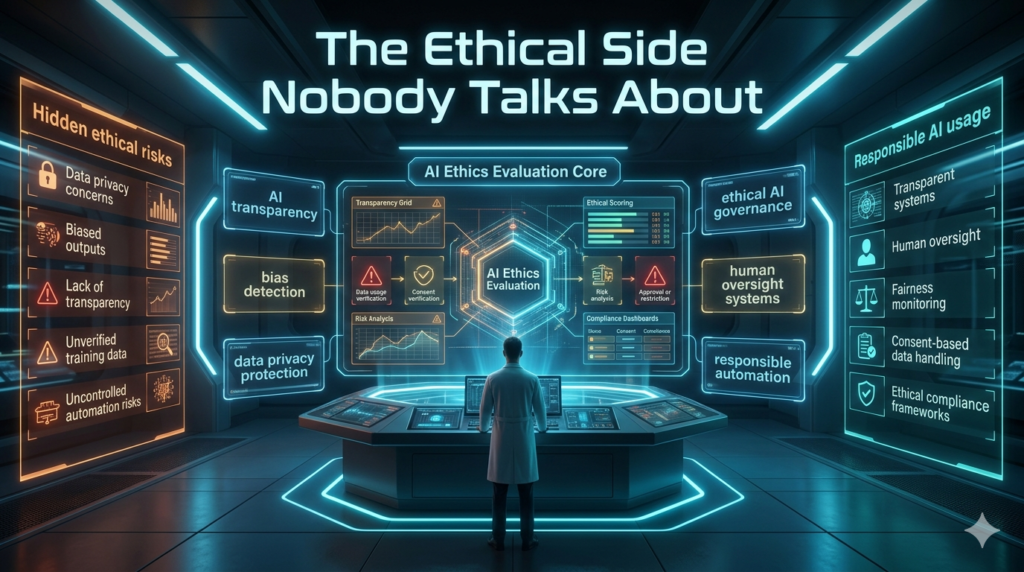
Here’s something I think about a lot. When you feed company data into these tools, where does it go? Most platforms use your inputs to train their models. That means confidential project details, client emails, strategic plans they could theoretically end up shaping responses for other users. I’ve started being very selective. Personal brainstorming? Fine. Client-sensitive work? I use tools with enterprise grade privacy controls or run models locally when possible.
It’s not paranoia it’s just smart risk management. There’s also the question of over reliance. I’ve caught myself accepting AI summaries without reading the original document. That’s dangerous. The tools are assistants, not replacements for your own judgment.
How to Pick the Right Tools (Without Drowning)
My rule of thumb: start with one tool, master it, then add the next. The biggest mistake I see is people signing up for eight different platforms and using none of them well.
Ask yourself three questions:
- What task eats the most time in my day? Pick a tool that targets that specifically.
- Does it integrate with what I already use? Friction kills adoption.
- Can I measure the time it saves? If you can’t track the ROI, it’s probably not worth the subscription.
The Bottom Line
AI productivity tools aren’t magic. They’re leverage. The best ones disappear into your workflow so seamlessly that you forget they’re there until you realize you finished your day by 2 PM. The worst ones add another layer of complexity you didn’t ask for.
The difference comes down to intentionality. Pick tools that solve real problems, not shiny objects. And always, always keep your brain in the loop.
FAQs
Q: Are AI productivity tools worth the cost?
A: For most knowledge workers, yes even the free tiers offer meaningful time savings. Paid plans usually pay for themselves within weeks if you use them consistently.
Q: Can AI tools replace project management software?
A: Not yet. They enhance tools like Asana or Monday.com but don’t replace the need for structured project planning.
Q: Which AI tool has the biggest impact on productivity?
A: It depends on your role, but meeting transcription tools (Otter.ai, Fireflies) and writing assistants (Notion AI, Grammarly) consistently rank highest in real-world time savings.
Q: Is my data safe with these tools?
A: Generally, yes with caveats. Always check privacy policies, especially for enterprise use. Avoid pasting sensitive client data into free-tier tools.
Q: Will AI tools take my job?
A: Unlikely. They’ll change how you work, not eliminate the need for you. The people who thrive will be the ones who learn to use these tools effectively, not the ones who ignore them.