
Five years ago, if you mentioned artificial intelligence to a room full of creative directors, the response was mostly eye rolls or jokes about robots stealing jobs. Today? The conversation has shifted entirely. I’m sitting in my studio this morning, coffee in hand, watching the render bar move on a generative fill project in Photoshop. It’s efficient, yes, but there’s a tension in the air that wasn’t there before.
The rise of AI design tools isn’t just a trend; it’s a fundamental restructuring of how we create visuals. But having spent over a decade navigating everything from print layouts to complex UI systems, I can tell you one thing clearly: this technology is a hammer, not a house.
The Allure and The Trap
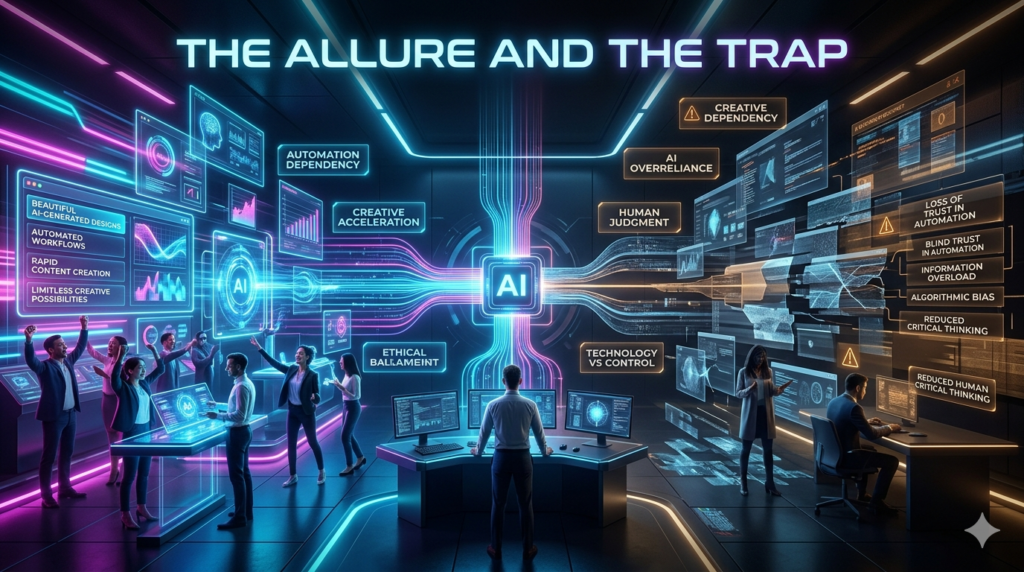
When you first try out powerful generative AI for designers, the initial reaction is usually disbelief. You type a few prompts, tweak some settings, and suddenly you have fifty variations of a hero image. For a junior designer looking for inspiration, or a freelancer under pressure to deliver volume, this is a lifeline. However, I’ve watched colleagues fall into the trap of letting the algorithm dictate the vision. Last month, a colleague handed me a branding deck generated almost entirely by mid-journey style engines. The colors were vibrant, the compositions symmetrical. But the kerning was off.
The accessibility contrast ratios failed. And worst of all, the imagery felt… hollow. It lacked intent. That’s the core limitation of current automated design software. These tools excel at pattern recognition and iteration. They can give you a thousand ways to say modern tech, but they struggle to understand the story behind your tech company. They don’t know that your brand stands for sustainability, so they’ll happily use glossy plastic textures unless you explicitly fight them on it.
Integrating Tools Without Losing Your Workflow
So, where do these tools fit? From my experience managing design teams, the sweet spot lies in augmentation, not automation. Take Adobe Firefly or the recent AI features in Sigma. I use them for the boring stuff. Need a seamless texture for a background? Need to remove a distracting object from a client’s photo? That’s where I lean on AI. It frees up my mental energy for decision-making. When I need to sketch out a wireframe, I might use a text-to-mockup generator to get a conversation started with the stakeholder, rather than spending three hours building a perfect gray box from scratch.
But once the concept moves into production, the human hand needs to take over. This is crucial for maintaining quality. A vector path created by a neural network often requires manual cleanup before it can be used in high-fidelity print or scalable web assets. The creative workflow shouldn’t end when the AI generates the output; that’s just the starting line.
The Ethical Grey Area
We can’t talk about this topic without addressing the elephant in the room: ethics. As someone who respects intellectual property, I find the training data behind many AI design tools to be unsettling. Images scraped from the web without consent are now powering the very models we use to create new art. There is also the issue of copyright. If you submit a design to a major publication or use it for a large-scale ad campaign, can you claim ownership? In many jurisdictions, the answer is currently murky.
I’ve had clients panic halfway through a project because we relied heavily on generated assets and realized they couldn’t legally trademark a specific logo variation made by a machine. This doesn’t mean we stop using the tech, but it means we become more cautious. I now advise clients to treat AI-generated imagery as reference material or mood-setting placeholders until the legal implications are clearer. For final deliverables, especially logos, custom illustration remains the safest bet.
Finding Your Balance
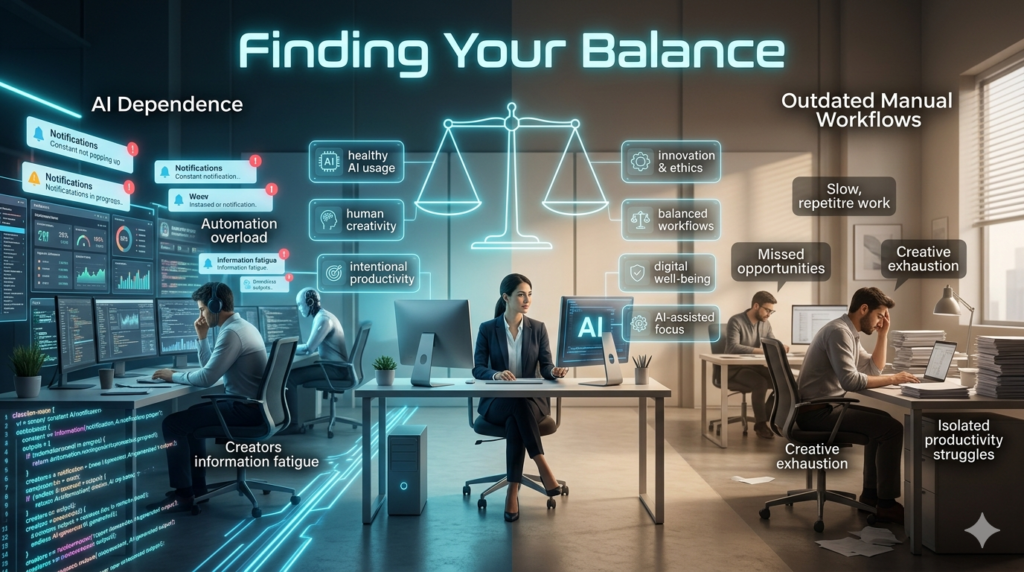
If you’re feeling overwhelmed by the influx of new plugins and generators, here is my advice: slow down. Start small. Pick one part of your process to test. Maybe it’s copy generation for placeholder text, or perhaps it’s creating color palette variations. Learn the limitations of the tool. Know when it’s hallucinating a button that doesn’t exist functionally. The most successful designers I know aren’t the ones rejecting AI, nor are they the ones letting it run their departments. They are the ones who ask the hard questions. They understand that while AI design tools can speed up execution, they cannot replace strategy.
Empathy, cultural nuance, and emotional resonance these are still human domains. Consider the case of a rebrand I worked on last year. We used AI to visualize potential moods, but when it came to selecting the typography and defining the grid system, we went analog. We drew on paper. We discussed history and meaning. The result was a brand identity that felt grounded, not derivative. Had we let the tool drive, we’d likely have ended up with something that looked like every other SaaS startup launched this quarter.
The Future is Hybrid
Looking ahead, I expect design software to become even more integrated with AI. Context-aware suggestions will replace basic autocomplete. But the role of the designer is shifting from creator of pixels to editor of reality. Our value is no longer just in our ability to use a pen tool or align layers perfectly. It’s in our taste. It’s in our ability to curate what matters and discard what doesn’t.
AI gives us infinite options; our job is to choose the right one. Don’t be afraid to experiment, but keep your critical eye sharp. The best work comes from the friction between human intention and machine capability. When that balance hits, you get magic. When it doesn’t, you get noise. Make sure you’re driving the car.
FAQs
Q: Are AI design tools replacing human designers?
A: No. While they automate repetitive tasks, they lack strategic thinking, empathy, and nuanced understanding required for high level design work.
Q: Which AI design tools are best for beginners?
A: Canva Magic Studio and Adobe Express offer user-friendly interfaces with built-in generative features ideal for non experts.
Q: Is content generated by AI copyright protected?
A: Currently, laws vary, but generally, purely AI-generated images cannot be copyrighted in many jurisdictions. Always check local regulations.
Q: How can I avoid the “generic AI look” in my designs?
A: Treat outputs as rough drafts. Manually refine details, adjust color palettes specifically for your brand, and combine multiple AI elements creatively.
Q: Do I need to learn coding to use modern AI design tools?
A: Not necessarily. Most consumer-facing AI design tools rely on natural language prompts, though knowing technical constraints helps in refining results.