
A few months ago, I found myself drowning in email. Not spam, not newsletters I mean the kind of professional correspondence that piles up when you’re juggling client projects, team updates, and networking outreach. Every morning started with 45 minutes of typing, editing, re reading, and second guessing subject lines. My drafts folder looked like a graveyard of half finished thoughts. That’s when I gave in and tried an AI email writer.
I’ll admit: I was skeptical. The idea of outsourcing something as personal and nuanced as email writing to a machine felt… off. Emails aren’t just information dumps they carry tone, intent, urgency. They’re where relationships are built or broken over a misplaced comma or passive aggressive phrasing. But after weeks of burnout, I decided to test the waters. What I discovered wasn’t magic but it was transformative.
From Skeptic to (Cautious) Advocate
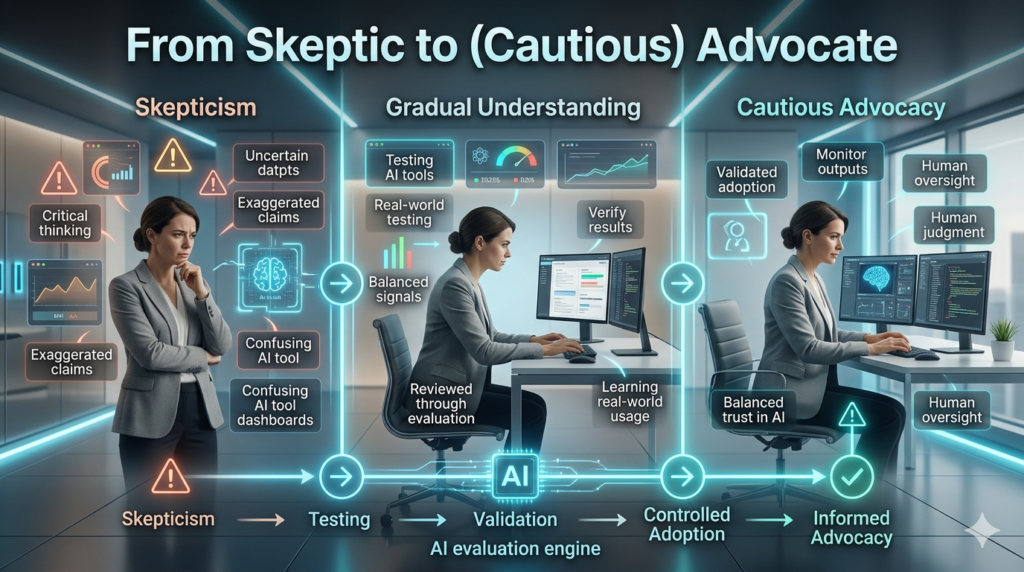
My first attempt using an AI email writer was underwhelming. I typed in write a follow up email after a job interview and got back something polished but robotic: “Dear Hiring Manager, I hope this message finds you well…” Classic. Generic. Uninspired. It sounded like every other template on the internet.
But then I tweaked my approach. Instead of relying on vague prompts, I fed the tool more context:
- The role I interviewed for
- A specific point from the conversation that resonated
- My actual enthusiasm for the company’s mission
The result? A warm, personalized note that still felt like me, just sharper and faster. It opened with, I really appreciated our conversation yesterday about scaling remote teams your point about asynchronous communication really stuck with me. That’s not something a template spits out. That’s human insight, amplified. That moment changed how I used the tool. I stopped treating it like a replacement and started seeing it as a collaborator one that handles structure and speed while I bring the soul.
Where AI Excels (and Where It Doesn’t)
After three months of daily use across freelance clients, internal team messages, and cold outreach, here’s what I’ve learned:
AI shines when you need speed + clarity.
Drafting a status update for a busy stakeholder? Summarizing meeting notes? Polishing a messy first draft? AI cuts the time in half. I once had to send a project delay notice to a client. Normally, I’d spend 20 minutes crafting the right balance of accountability and reassurance. With AI, I outlined the facts, asked it to tone it professionally but empathetically, and had a solid draft in under five minutes. I edited two sentences and hit send.
It struggles with nuance and emotion.
Early on, I asked it to write a condolence email after learning a colleague lost a family member. The response was respectful but distant. It lacked the quiet warmth that comes from truly knowing someone. I ended up rewriting it entirely, drawing from personal memory and shared experiences. AI can’t replicate empathy; it mimics it.
Tone consistency is possible but only with input.
One of my clients prefers concise, action oriented emails. Another likes a conversational, almost storytelling style. The AI adapts quickly if you guide it. I now start most prompts with: “Write this in a friendly but professional tone, similar to previous emails to [Client Name].” Over time, the output feels more consistent with my voice.
Real-World Example: Cold Outreach That Actually Worked
Let me share a real case. I was trying to connect with a marketing director at a mid-sized tech firm for potential collaboration. Cold emails usually get ignored especially mine, which tended to be either too stiff or overly casual.
Using an AI email writer, I entered:
“Write a short, personalized outreach email to Sarah Kim, Marketing Director at NexaFlow. Mention her recent post on LinkedIn about customer journey mapping. I’m a content strategist looking to explore partnership opportunities around educational resources.” The AI generated a clean, one paragraph message that referenced her post, complimented her insight, and proposed a low-pressure 15-minute chat.
I added a sentence about a mutual connection and sent it. She replied in two hours: “Love that you read my post let’s talk Thursday?” Was it the AI alone? No. But it helped me avoid the pitfalls of generic outreach. It structured the message logically, kept it brief, and made the compliment feel genuine, not flattery.
Ethical Considerations: Who’s Really Writing Your Emails?
This is where things get sticky. If I use AI to write 80% of an email, is it still my voice? Am I being transparent with recipients? I’ve landed on a personal rule: AI assists, but I own the message. I review every word before sending. If it doesn’t sound like something I’d say, I rewrite it. And I don’t use it for high-stakes, emotionally charged messages those stay handwritten. There’s also the risk of homogenization. When everyone uses the same tools with similar prompts, emails start sounding alike.
I’ve received replies that clearly came from AI phrases like I truly appreciate you taking the time to connect appear too often. It’s efficient, but it erodes authenticity. So I push back. I ask the tool to make this sound more casual or add a touch of humor. I insert quirks references to local coffee shops, inside jokes from past conversations. The AI provides the frame; I fill in the color.
Is It Worth It? For Me, Yes With Caveats
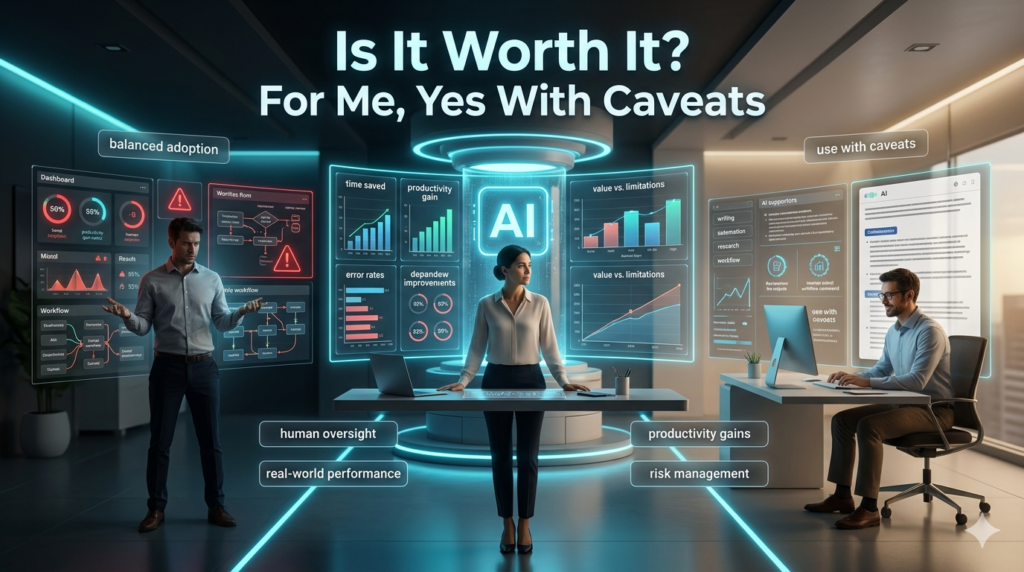
I won’t claim AI has made me a better writer. But it’s made me more productive, and that’s freed up mental space for deeper work strategy, creativity, relationship building.
Here’s what I wish I’d known earlier:
- Start small: Use it for low-risk emails first.
- Be specific in your prompts: The more context, the better the output.
- Edit aggressively: Never assume the first draft is final.
- Stay vigilant about voice: Don’t let efficiency erase personality.
And perhaps most importantly: AI email writers aren’t replacing humans. They’re helping us do less busywork and more meaningful communication.
FAQs
Q: Can AI email writers access my inbox?
A: Some integrate directly with Gmail or Outlook, but reputable tools use secure authentication and don’t store your data without consent.
Q: Are emails written by AI detectable?
A: Often, yes especially if they rely on common phrases. Personalization and editing reduce the “AI smell.”
Q: Do I need technical skills to use one?
A: No. Most are designed for everyday users with simple text boxes and intuitive prompts.
Q: Can AI write in different languages?
A: Yes, many support multiple languages, though fluency varies. Always double-check for cultural accuracy.
Q: Is it ethical to use AI for professional emails?
A: As long as you review and take responsibility for the content, yes. Transparency matters don’t claim authorship of something deeply personal if you didn’t write it yourself.