
I remember the exact moment the hype became reality for me. It was a Tuesday afternoon, about eighteen months ago, staring at a blank Google Doc with a looming deadline and a brain that had decided to check out for the week. In desperation, I pasted a rough outline into a new chat interface I’d been hearing whispers about. Thirty seconds later, I had a messy, imperfect, but undeniably usable first draft. It wasn’t magic, but it felt like it. Since then, the landscape has shifted so fast it gives me whiplash. What started as a novelty look, it wrote a poem about my cat has become the backbone of my daily workflow.
But here’s the thing nobody tells you in the press releases: there is no single best AI tool. There’s only the best tool for your specific friction point. I’ve spent the last year and a half stress-testing these platforms in a real production environment client work, content strategy, coding assistance, and the occasional existential crisis management. Here is the unvarnished reality of the current toolkit, broken down by what they actually do well, and where they’ll waste your time.
The Heavy Lifters: General Purpose LLMs
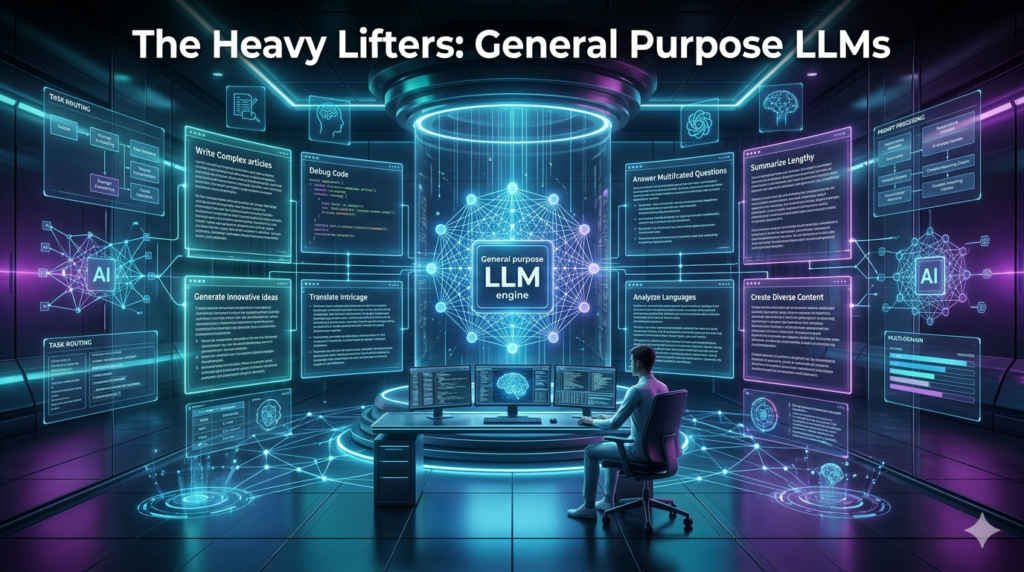
ChatGPT (Plus/Team) remains the default for a reason. It’s the Swiss Army Knife. I keep a tab open permanently. The jump from 3.5 to 4o was noticeable, specifically in reasoning and coding tasks. I use it for rubber ducking code pasting a broken Python script and asking, Why is this failing? It catches syntax errors I’d stare at for an hour. But it has a personality. It’s overly polite, hedging, and loves a bullet point list. If you want voice, you have to beat it out of the model with heavy prompting.
Claude (Sonnet 3.5) is currently my favorite writer. If ChatGPT is the eager intern, Claude is the senior editor who went to a liberal arts college. It handles nuance, tone, and long-context windows better than anything else on the market right now. I fed it a 50-page PDF of a technical white paper last week and asked for a summary tailored for a C-suite audience. The output required zero editing. That’s rare.
Gemini (Advanced) is the dark horse, mostly because of the Google ecosystem integration. If you live in Drive and Docs, the ability to query your own files (“Find the invoice from Acme Corp in my Drive”) is a productivity cheat code. The 1.5 Pro context window is massive technically 2 million tokens which means you can dump entire codebases or video transcripts into it.
The Writer’s Room: Content & Copy
For pure marketing copy, Jasper and Copy.ai were the early kings. They built nice UIs on top of the APIs. But honestly? The gap has closed. I cancelled my Jasper subscription three months ago because a well-prompted Claude project does 90% of the same work for a fraction of the price, without the seat limits.
Where specialized tools still win is SEO integration. Surfer SEO and MarketMuse (now part of the Semrush ecosystem essentially) analyze the SERP in real-time. I don’t trust an LLM to know current keyword density or competitor headers. I use Surfer to build the brief, then write in Claude. That’s the hybrid workflow that actually ranks.
The Visual Stack: Midjourney vs. DALL-E vs. Firefly
This is where it gets fun and frustrating.
Midjourney (v6.1) is still the aesthetic king. It makes things look cool. The default style is cinematic, textured, and artistic. But the Discord interface (though they have a web alpha now) is a barrier to entry, and it struggles with text rendering. Try asking it for a logo with the word Synergy. You’ll get Snigger or Synergy.
DALL-E 3 (inside ChatGPT) is the obedient one. It follows instructions literally. You want a logo with specific text? It gets closer. You want a diagram of a cellular structure labeled correctly? DALL-E tries harder. But the images often have that plastic AI sheen.
Adobe Firefly is the only one I’d put in a client deliverable without fear of a copyright lawsuit. Trained on Adobe Stock, it’s commercially safe. The “Generative Fill” in Photoshop isn’t a toy anymore; it’s how I extend backgrounds on product photos in seconds. It’s not a generator so much as a retouched on steroids.
Video and Audio: The Uncanny Valley
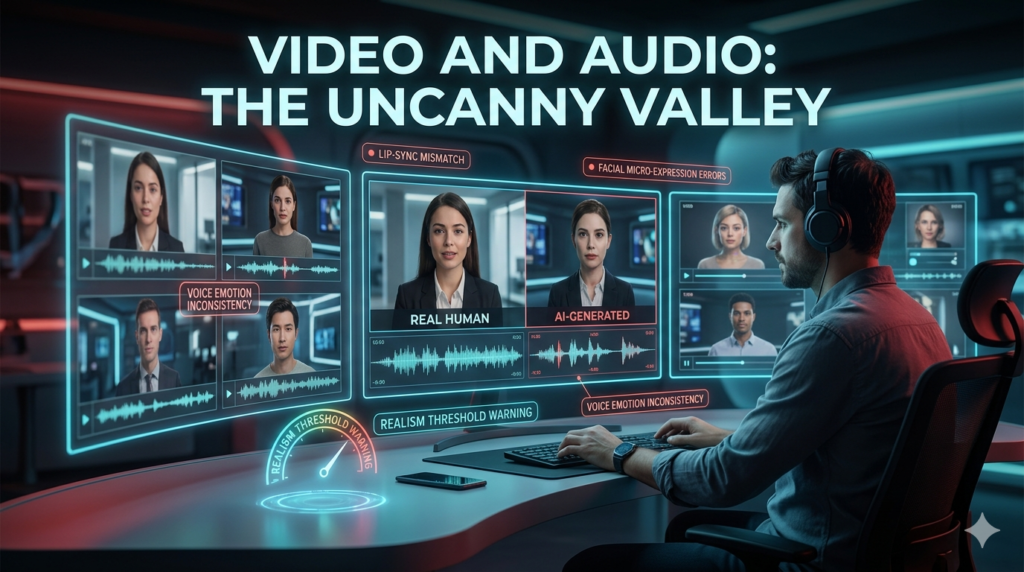
Runway Gen-3 and Luma Dream Machine are mind-blowing for 5-second clips. I’ve used them for B-roll on social ads. But consistency is a nightmare. You can’t direct an actor. You’re rolling dice.
Synthesis and Hagen for avatar videos? Great for internal training videos where nobody cares if the blink rate is slightly off. Terrible for customer-facing brand work. The uncanny valley is still very real here.
On audio, ElevenLabs is terrifyingly good. I cloned my own voice for a podcast intro test, and my wife couldn’t tell the difference. Ethical nightmare? Absolutely. Useful for fixing a flubbed line in post without re-recording? Undeniably.
Coding: The Junior Dev You Can’t Fire
GitHub Copilot is non-negotiable in my VS Code now. It’s autocomplete on steroids. It writes the boilerplate so I don’t have to. But Cursor (the AI-first IDE) is where the puck is going. It lets you chat with your codebase. “Refactor this function to handle sync errors” and it just… does it, across multiple files. I’ve seen senior devas cut their sprint time by 30% using Cursor. It hallucinates libraries sometimes, so you still need to know what you’re doing. It’s a force multiplier, not a replacement.
The “Agent” Layer: Automation
This is the bleeding edge. Zippier Central and Make (formerly Integrate) with AI modules let you build agents that do things, not just say things. I built a workflow last month: New lead fills Type form -> AI researches their company -> AI drafts personalized outreach email -> Sends via Gmail -> Logs in HubSpot. It runs while I sleep. That’s the future. Not chatbots. Agents.
The Hidden Costs (Nobody Talks About)
Let’s talk limitations, because the marketing pages won’t.
- Context Rot: Even with massive context windows, models forget instructions halfway through a long session. You have to re-prompt constantly.
- The “Good Enough” Trap: AI generates average content by definition it predicts the most likely next token. Most likely is the definition of mediocrity. If you want standout work, you have to inject the weirdness, the story, the human insight yourself.
- Privacy: If you’re pasting proprietary code or client data into a public LLM chat, you’re potentially training the next model on your secrets. Use Team/Enterprise plans with data exclusion, or local models (like Llama 3 via Ollama) for sensitive stuff.
My Current Stack (If You’re Curious)
- Ideation/Strategy: Claude 3.5 Sonnet
- Coding: Cursor + GitHub Copilot
- Research/Perplexity: Perplexity Pro (citations matter)
- Images: Midjourney (concepts), Firefly (production assets)
- Automation: Make.com
- Transcription/Notes: Granola (macOS only, but incredible for meetings)
The Verdict
Stop looking for the best tool. Start looking for the bottleneck.
Drowning in email? Get an AI email triage tool (Shortwave or Superhuman).
Blank page syndrome? Get Claude.
Ugly slides? Get Gamma or Beautiful.ai.
Repetitive data entry? Build a Zapier agent.
The tools are commodities now. The advantage goes to the operator who knows how to chain them together without losing their mind or their voice.
FAQs
Q: Which AI tool is best for writing long-form blog posts?
A: Currently, Claude 3.5 Sonnet produces the most natural, human-sounding long-form content with the least amount of fluff or repetitive phrasing. It handles structure and tone better than GPT-4o for pure writing tasks.
Q: Is Mid journey better than DALL-E 3?
A: For artistic quality and aesthetics, Mid journey wins. For prompt adherence (getting exactly what you described, including text), DALL-E 3 is more reliable.
Q: Can I use AI-generated images commercially?
A: It depends on the tool. Adobe Firefly is trained on licensed stock, making it the safest for commercial use. Mid journey and DALL-E allow commercial use on paid plans, but the copyright landscape is still legally murky.
Q: What is the best AI for coding assistance?
A: Cursor (the AI-native code editor) is currently the favorite among senior developers for complex refactoring, while GitHub Copilot remains the standard for inline autocomplete in VS Code.
Q: Are AI detectors accurate?
A: No. They produce false positives on human writing and false negatives on edited AI text. Don’t rely on them for verification.
Q: How do I avoid hallucinations?
A: Use RAG (Retrieval-Augmented Generation) tools like Perplexity or Note book LM that ground answers in source documents you provide, rather than relying on the model’s internal weights.